Forgotten Password
If you cannot remember your password, follow these steps to reset it.
You will need to know your username in order to reset your password. If you've also forgotten your username, please contact us for assistance.
- Navigate to the Administration Centre login page by visiting www.yourdomain.com/Admin, replacing yourdomain.com with your website address.
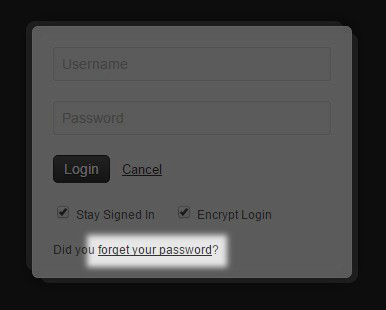
- On the login form, click the Did you forget your password? link.
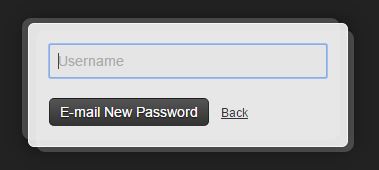
- Enter your username then click the E-mail New Password button.
- You will then be sent an email with the subject New Password. If you can't find it in your inbox, be sure to check your junk mail or spam folder. The email will contain a new password for your account.
- Return to the Administration Centre login page by visiting www.yourdomain.com/Admin, replacing yourdomain.com with your website address.
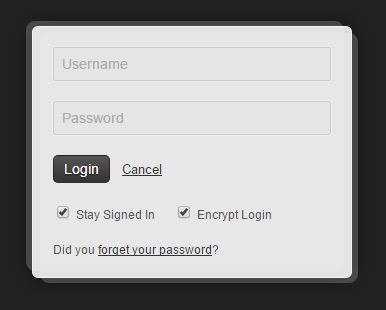
- Enter your username and new password, then click the Login button.
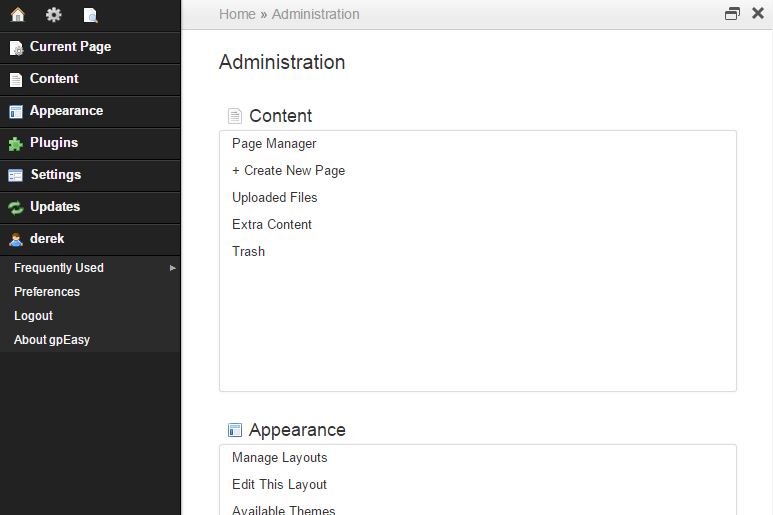
- You will then be presented with the Administration Centre home page. It is recommended that you now change your password to something you will remember.